At the first signs of fall, I’m getting cozy. As the leaves turn and temperatures drop, you’ll find me under a pile of blankets with a warm beverage in hand. I relish getting into bed every night and getting under the covers with a good book, but there’s nothing worse than cold hands. That’s the appeal of a page-turning remote so you can turn the pages on your e-reader with your hands under the covers.
The market for e-reader remotes is incredibly popular. There are plenty of cheap ones being sold on Amazon, which inspired Kobo and Boox to make remotes to pair natively with their e-readers. Amazon has finally caught up with the release of its Kindle Click. I was more excited about the first Kindle remote than I was about the new Kindles, and I’m pleased to report it doesn’t disappoint.
What to know about the Kindle Click

Credit: Samantha Mangino / Mashable
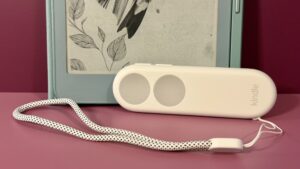
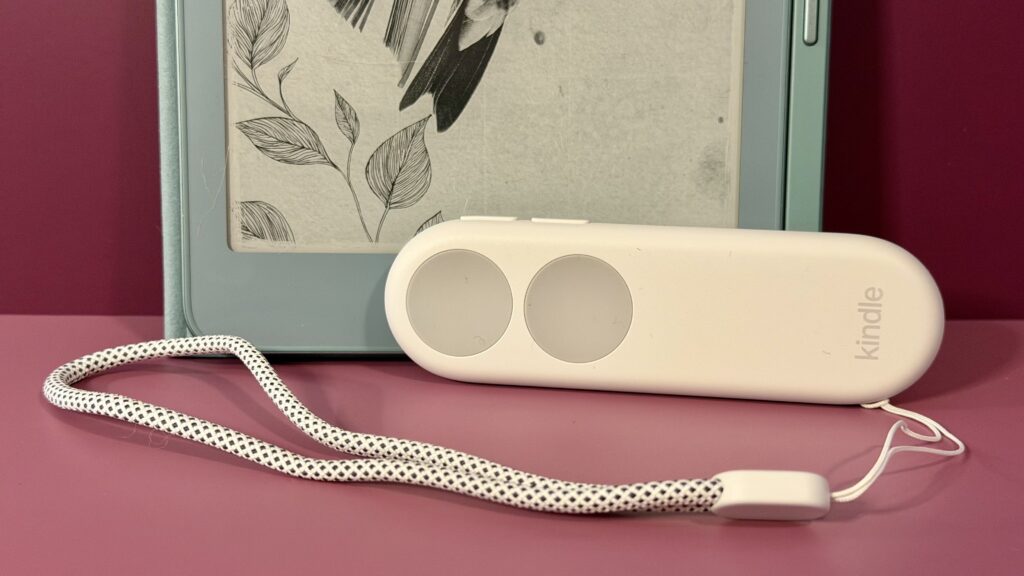
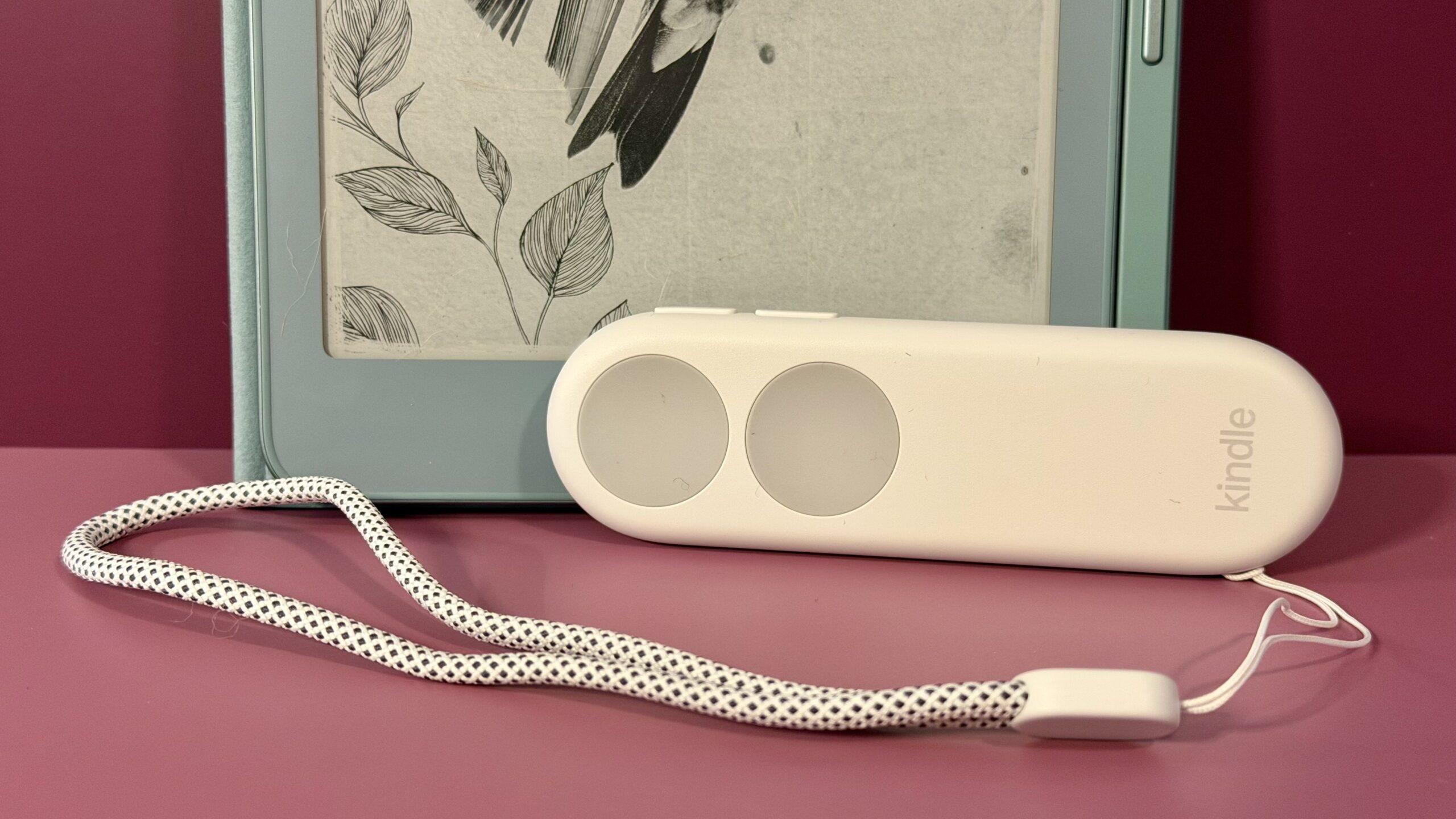
The Kindle Click is a page-turning remote that connects to Kindle devices. It comes with two buttons that turn the page forward or back, and you can customize which does what in your Kindle settings. It also has two buttons on the side to adjust the screen brightness on your Kindle.
It connects to your device via Bluetooth. Pair it with your device by holding down any button until the light flashes blue, then find the device in your Kindle’s Bluetooth settings. The remote stays connected, but you will need to wake it by pressing any button.
It’s USB-C rechargeable and connects to all Kindles released in 2024 and onward. It costs $34.99 and is available to purchase on Amazon.
It’s a breeze to use, with no screen obstruction
Plenty of people have gotten creative with page-turning remotes being sold on Amazon. The off-brand models usually have two components: one to tap the screen and another that operates as the remote. Having tested these, they work perfectly fine, except that they can’t turn the page backward, and the screen clip obstructs the screen.
The Kindle Click is a much more sophisticated option as it connects via Bluetooth. It’s just one remote, no screen-tapping clip required, aka no screen obstruction. It’s also lightweight and easy to navigate by touch. The buttons have a nice tactile feel, so you can tell where the buttons are without looking. An optional wrist lanyard comes with the device, which I do find helpful as someone who has both a tendency to doze off while reading and a proclivity for losing remotes in blankets.
If I had any complaints about the Kindle Click, I do wish it had a slight curve, like the Kobo remote, to make it more ergonomic.
The brightness buttons are genius

Credit: Samanta Mangino / Mashable
I would have been totally pleased if the Kindle Click came as is with its two page-turning buttons, but what absolutely blew me away was the inclusion of buttons to adjust the screen brightness. When you have your hands tucked under the covers, you don’t want to reach for anything, but the other setting I most commonly adjust is screen brightness.
Every time I use the remote, I find myself needing to adjust the brightness, and those buttons are such a nice touch. It’s not something I’d think to ask for, but I’m so glad it’s there.
I wish it worked with more Kindles
Amazon is known to phase out Kindles, but plenty of models are still supported. That’s why it’s such a bummer that the Kindle Click only works with 2024 and 2026 Kindles. Since the 10th generation of the Kindle Paperwhite was released in 2018, the devices have included Bluetooth, allowing you to connect headphones to listen to audiobooks. Since the Kindle Click connects via Bluetooth, I’d think any Kindle with Bluetooth could pair with it. That is not the case, excluding many Kindle users.
So if you want to use a Kindle Click, you’ll need to own or upgrade to a 2024 or 2026 Kindle.
Is the Kindle Click worth it?

Credit: Samantha Mangino / Mashable
If you own a 2024 or 2026 Kindle, you should absolutely scoop up a Kindle Click. It’s only $34.99, which is $5 more than Kobo’s remote and slightly more expensive than the cheaper remotes you can find elsewhere, but it can do more. You can customize which buttons turn the page and adjust the screen brightness on the remote. It’s well-designed and lightweight in your hand, with tactile buttons that make it easy to navigate by touch.
Sure, you don’t need the Kindle Click, but it will level up your cozy evenings spent reading.