Google Maps on iOS has a new feature that could save you a few minutes of aimlessly walking through a parking lot.
The feature, announced by Google Maps senior product manager Rio Akasaka and reported by MacRumors, is available on iOS — and it’s very simple to use.
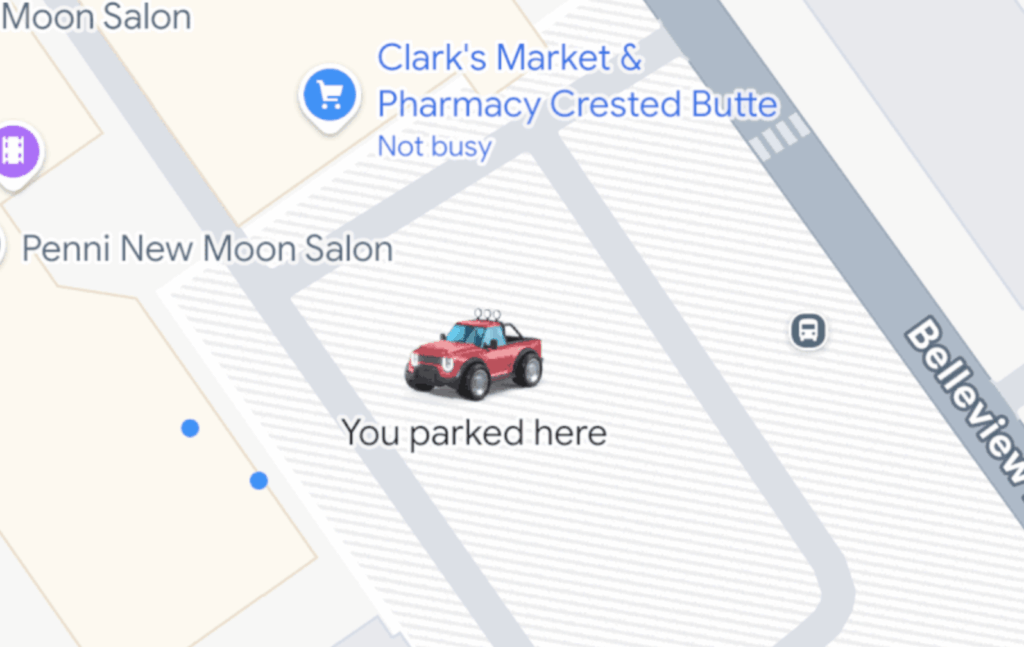
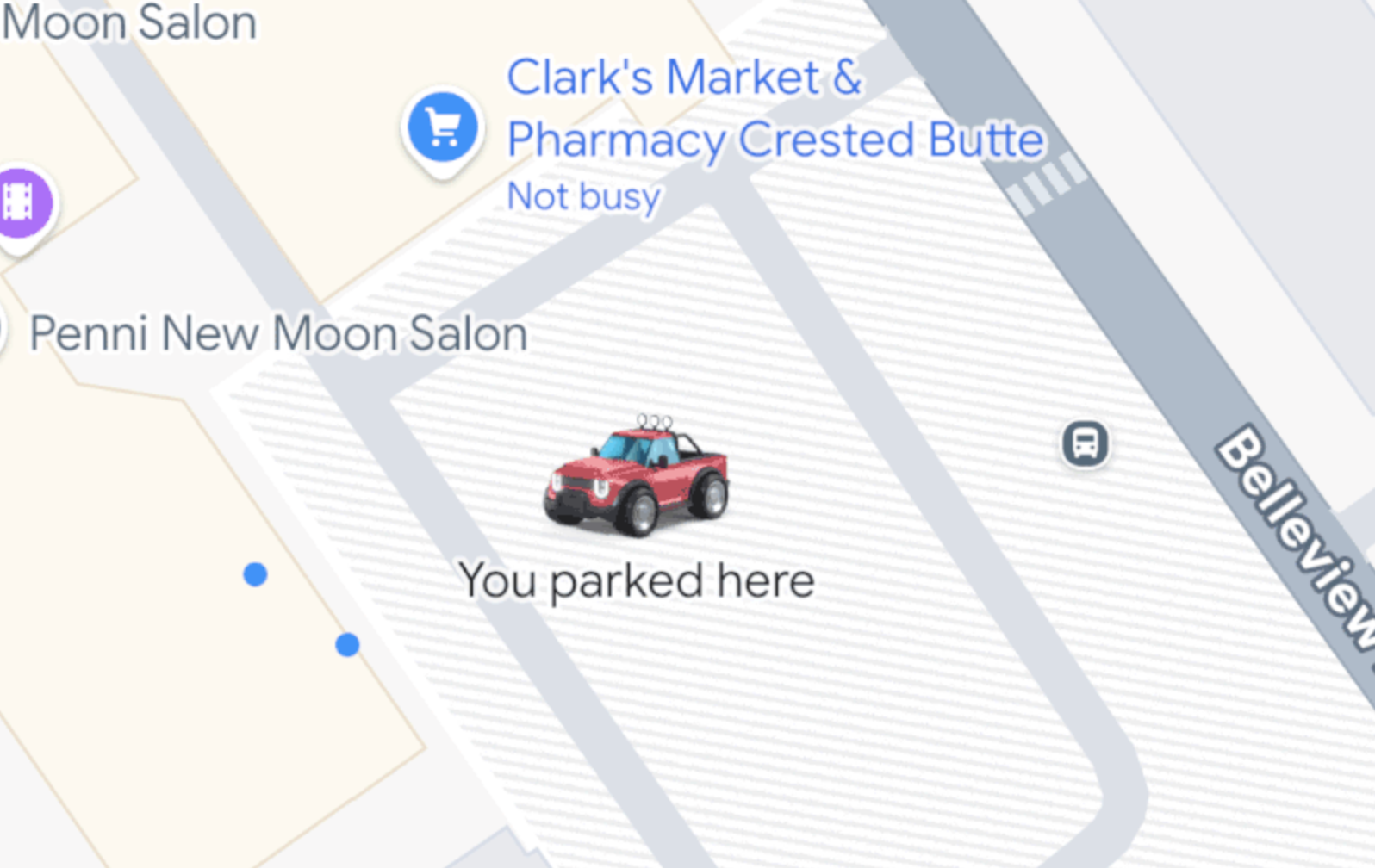
Connect your iPhone‘s Google Maps app to your car via CarPlay, Bluetooth, and USB. Once you’re done driving, Google Maps will remember where you parked by dropping a pin on the map with a label “You parked here.” The pin will disappear once you drive away.
The feature essentially automates Google Maps’ old “Save where you parked” feature, which is still available, along with the tool that shows you where you can find a park.
The ability to remember parking spots was added to Google Maps about a month ago, but it was slightly visually enhanced last week. Now, if you have a custom vehicle icon set in Google Maps, you’ll see it on your parking spot on the map (instead of the somewhat boring “P” icon).
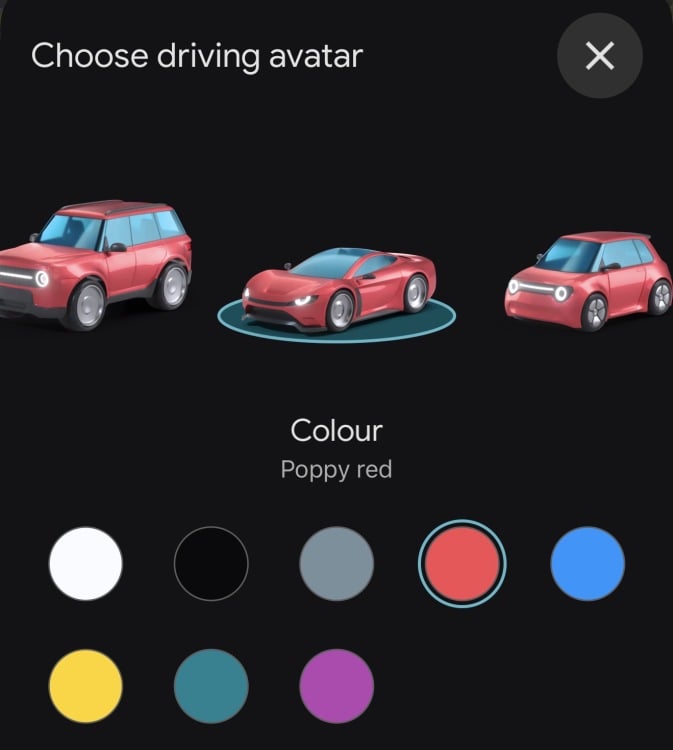
Credit: Stan Schroeder / Mashable / Google
If you’re wondering where you can set that custom vehicle icon, here are the instructions: Open Google Maps, start Navigation, tap the blue arrow (or the car icon if you’ve previously changed it), and select your preferred driving avatar (icon) by swiping left or right).
While you’re here, we’ve got Google Maps guides for how to turn your location off and on with your iPhone, how to download Google Maps, how to turn on 3D buildings in navigation, how to save locations, and other Google Maps tips and tricks.