DJI launched its latest smartphone gimbal, the Osmo Mobile 8, in November, in markets across (most of) the globe. It’s a decent option for budding content creators on a budget, offering straightforward controls and smooth performance that can also help jazz up home movies.
The DJI Osmo Mobile 8 is a solidly built phone gimbal
Credit: A. Yeo
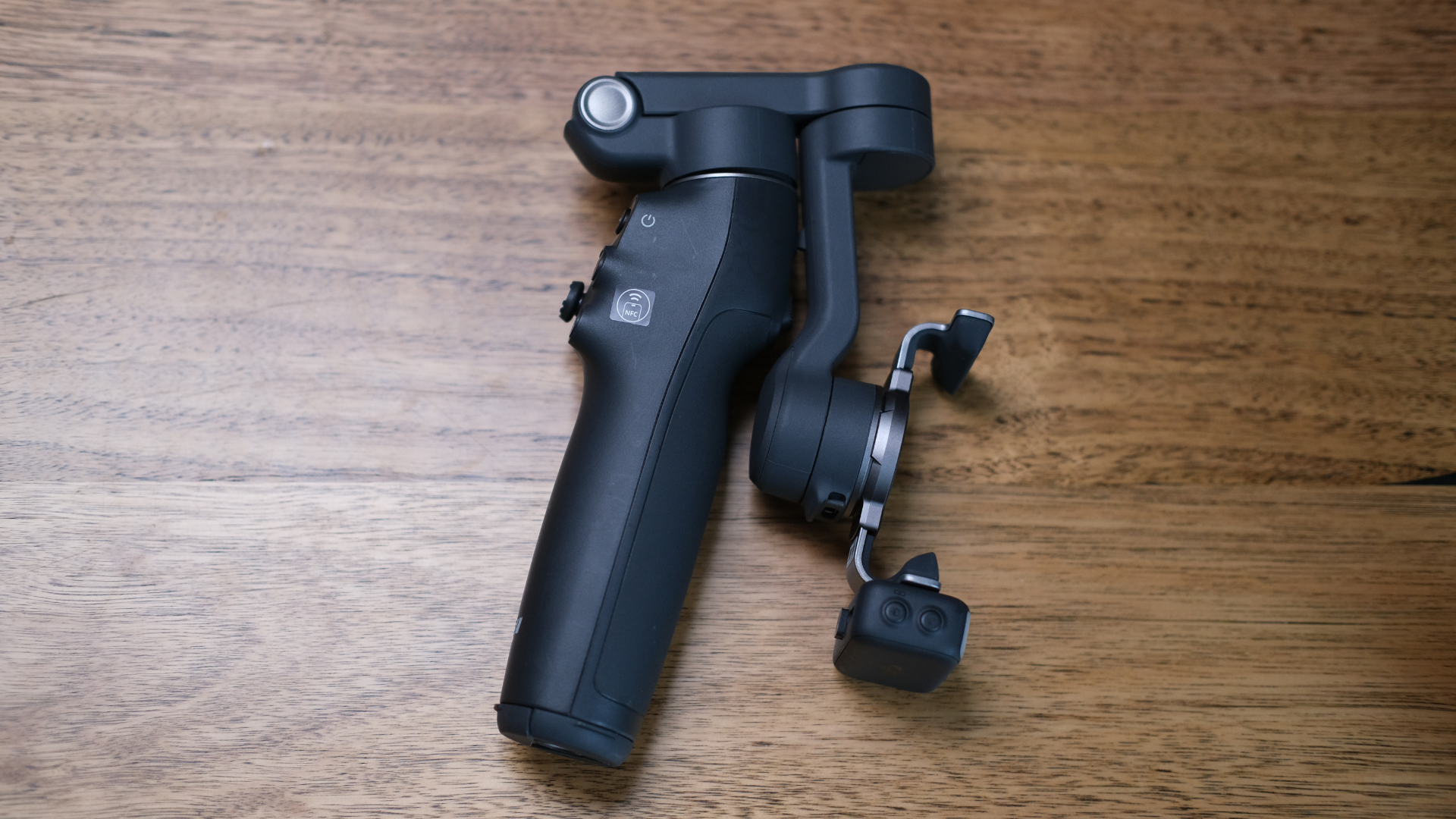
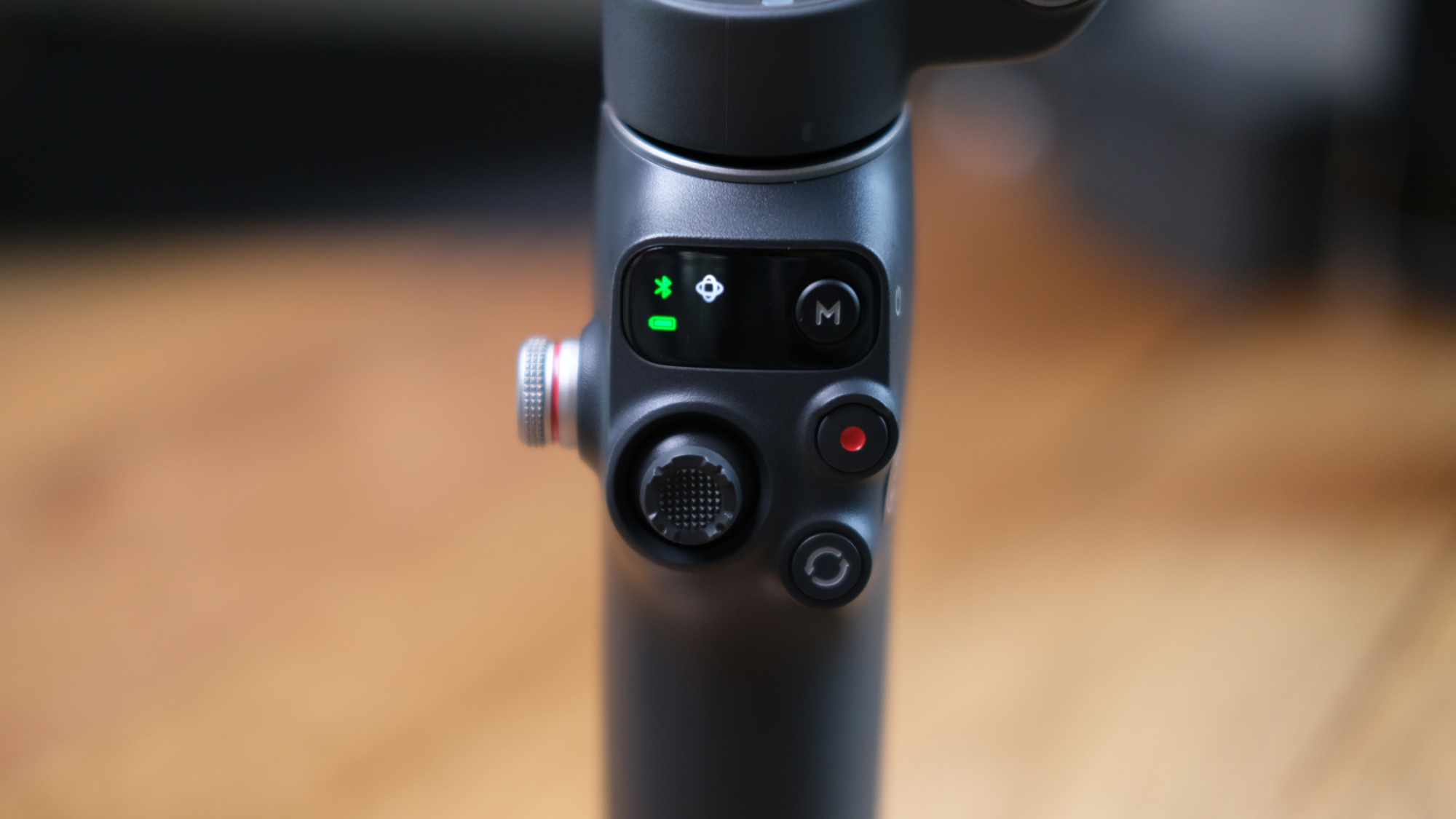
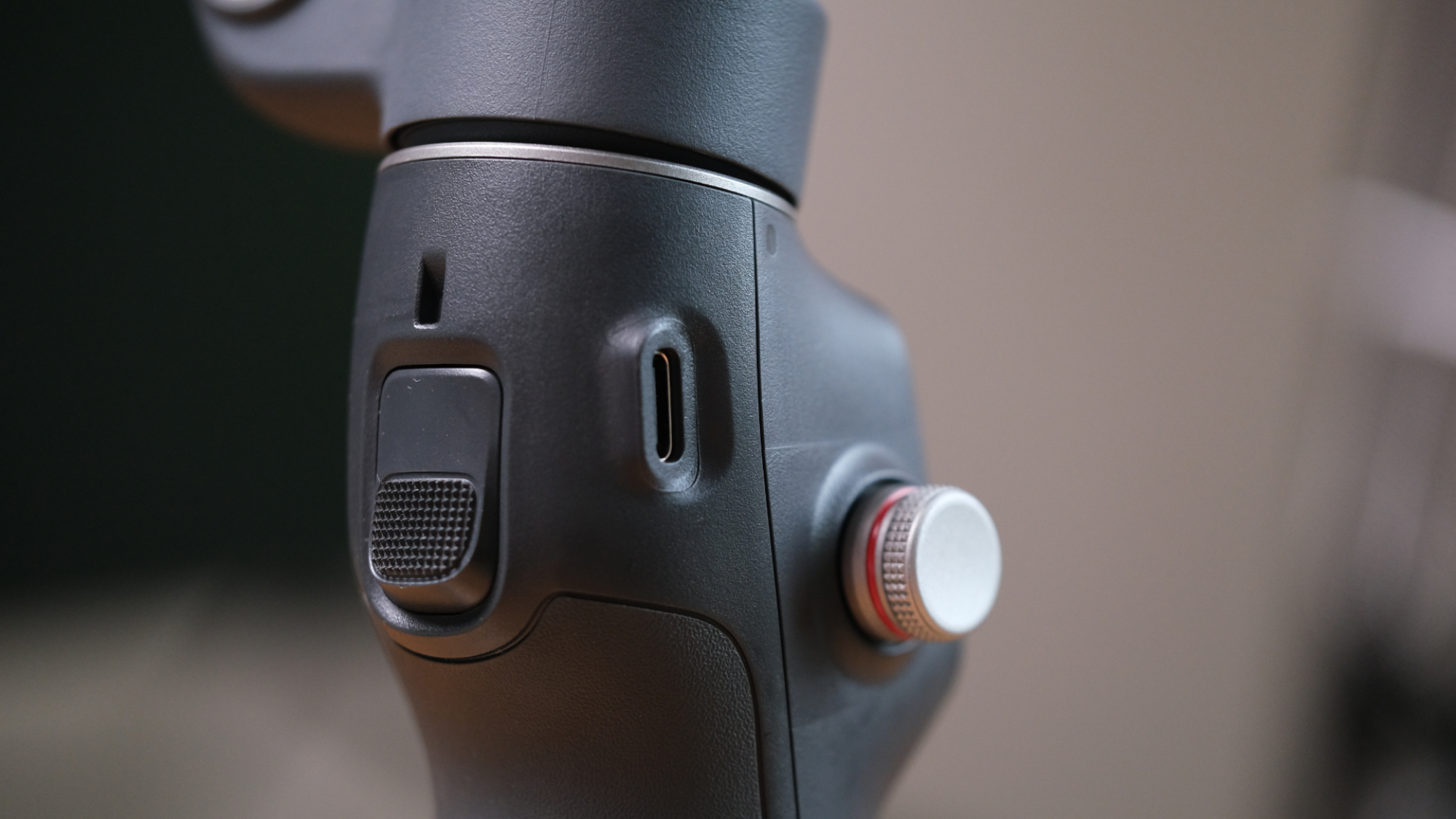
DJI’s Osmo Mobile 8 has solid build quality, largely made of a sturdy-feeling black plastic — but it also comes with a slightly textured rubberised grip on the handle’s rear. This addition seems unnecessary, as the material feels barely different to the rest of the handle and adds little in terms of grip.
The seams interrupt the smooth, ergonomic feel of it in the hand. Making the handle’s body a single piece may have been preferable; the micro-channel around the grip seems likely to collect dead skin and grime. Still, the Osmo Mobile 8 feels good overall.
The Osmo Mobile 8 comes with its multifunctional module, a clamp to hold your phone, and a fabric storage pouch. The phone clamp connects to the gimbal arm via a magnet, which is reassuringly strong enough to give users peace of mind. There are also two USB-C cables: A longer one for charging the Mobile 8, and a shorter one which connects the module to your phone when using a mic.
Credit: A. Yeo
In addition to these accessories, the Osmo Mobile 8 has an inbuilt telescopic extension rod and a tripod, both of which are solidly built. Though the extension rod only adds around 8.5 inches, it’s enough to get crowd shots or a decent selfie, and packs away so well that you’re likely to forget it’s there. You can fully extend it while using the tripod as well, though it feels just precarious enough that you wouldn’t want to if there’s much of a breeze.
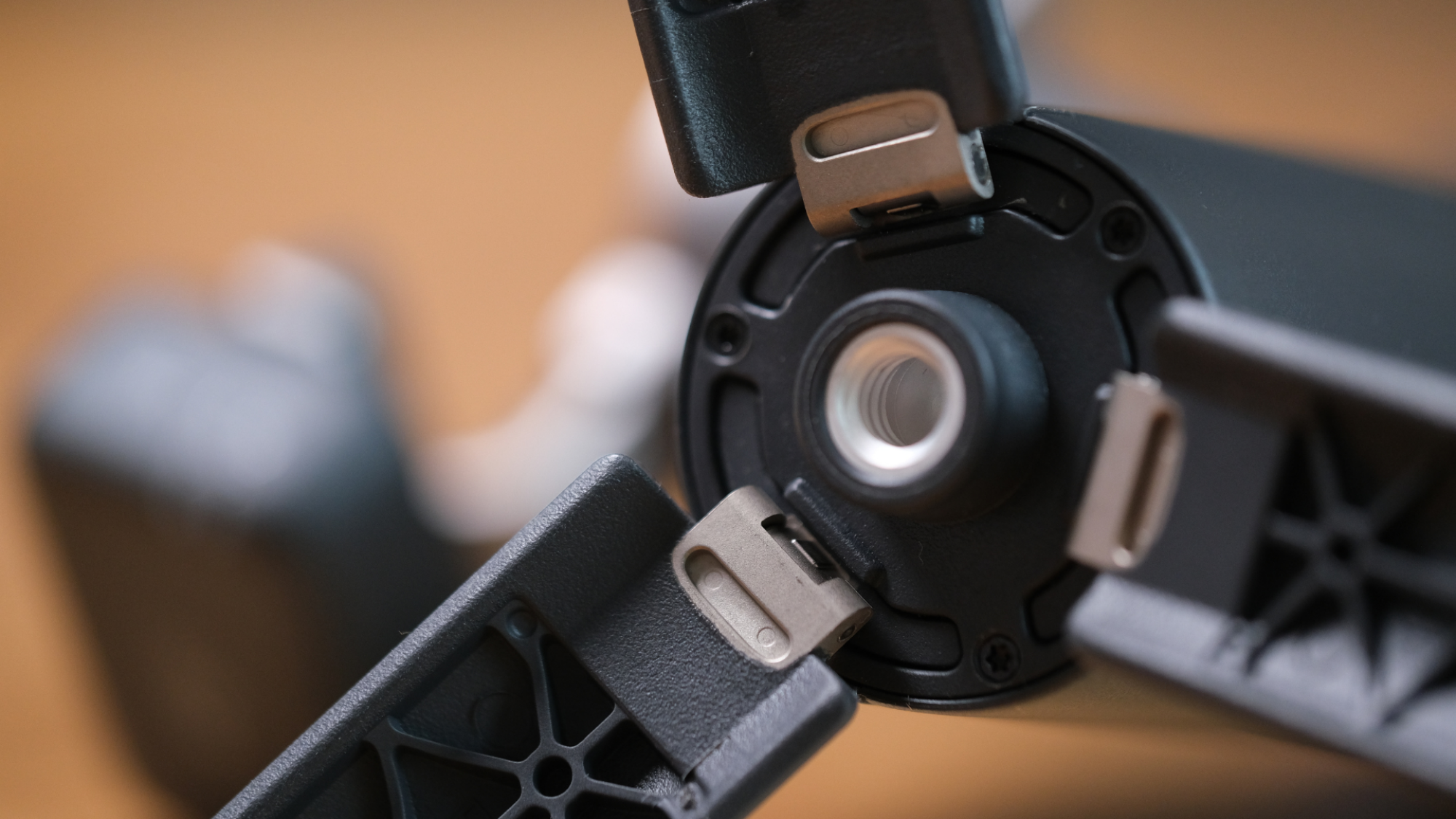
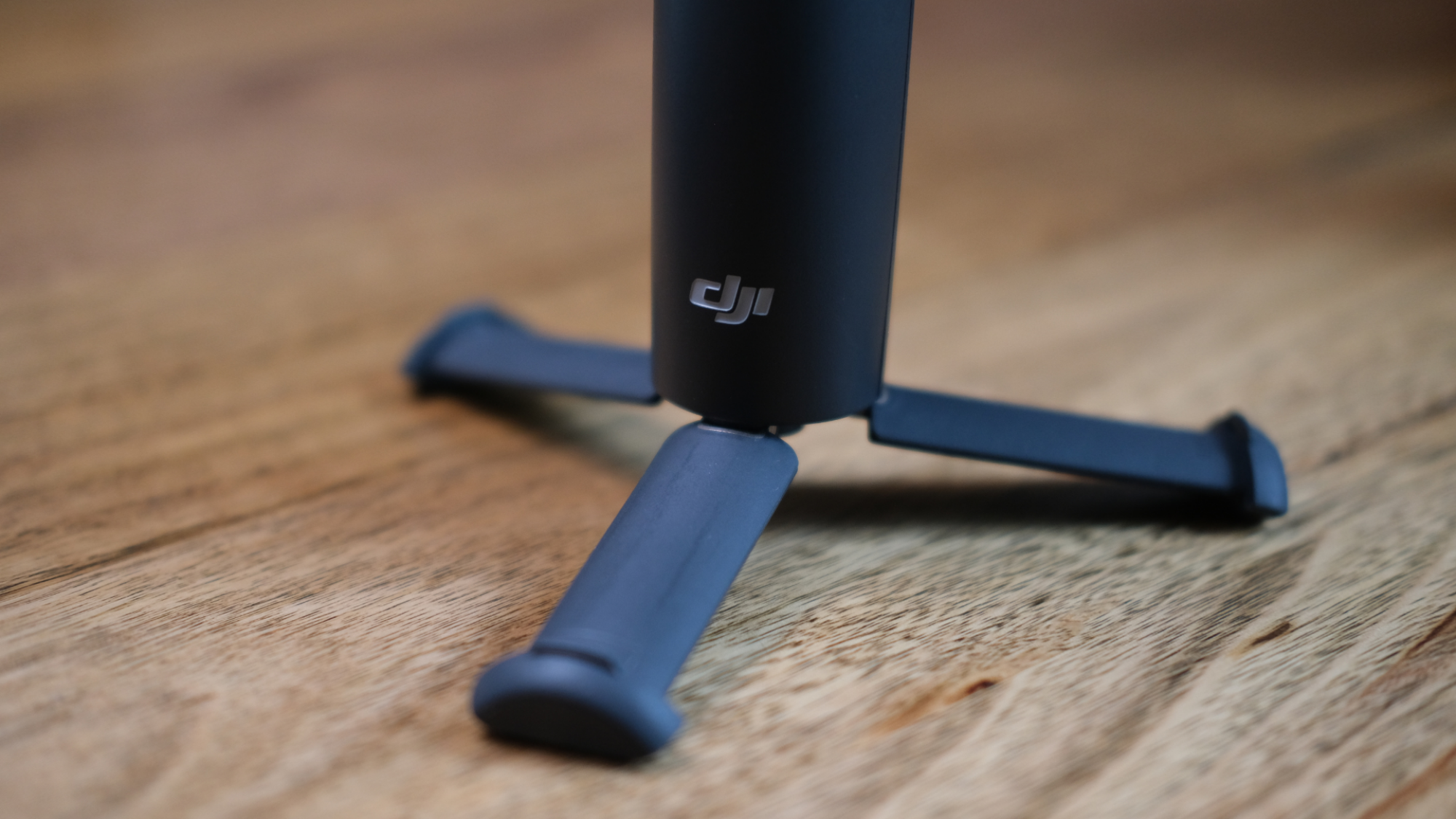
Tripod legs stow away in the Osmo Mobile 8’s handle, making for a very compact and elegant design solution. These legs pull out from the bottom and then fold out, attached with metal hardware that feels durable.
There is a nice amount of flex when you apply downward pressure to the Osmo Mobile 8, while the tripod is set up. It has the kind of bounce that makes it feel it’s unlikely to break.
The bottoms of the tripod prongs end in relatively sizable rubber feet, which provide a good amount of stability and grip, as well as scratch protection for the surface you place it on. It does a decent job of standing on uneven surfaces, though isn’t designed for anything extreme.
DJI recommends picking up its separately sold Grip Tripod accessory if you want to set up your Osmo Mobile 8 in less even, more windy conditions.
Travelling with the Osmo Mobile 8 isn’t smooth
Credit: A. Yeo
Unfortunately, even with its smart tripod storage, the Osmo Mobile 8 is bulky enough that carrying it around to shoot on the go feels like a hassle. The gimbal is over twice as heavy as DJI’s popular Osmo Pocket 3 gimbal camera, weighing in at around 370g, and while the mobile phone arm folds down, it still leaves the Mobile 8 an awkward shape for transport.
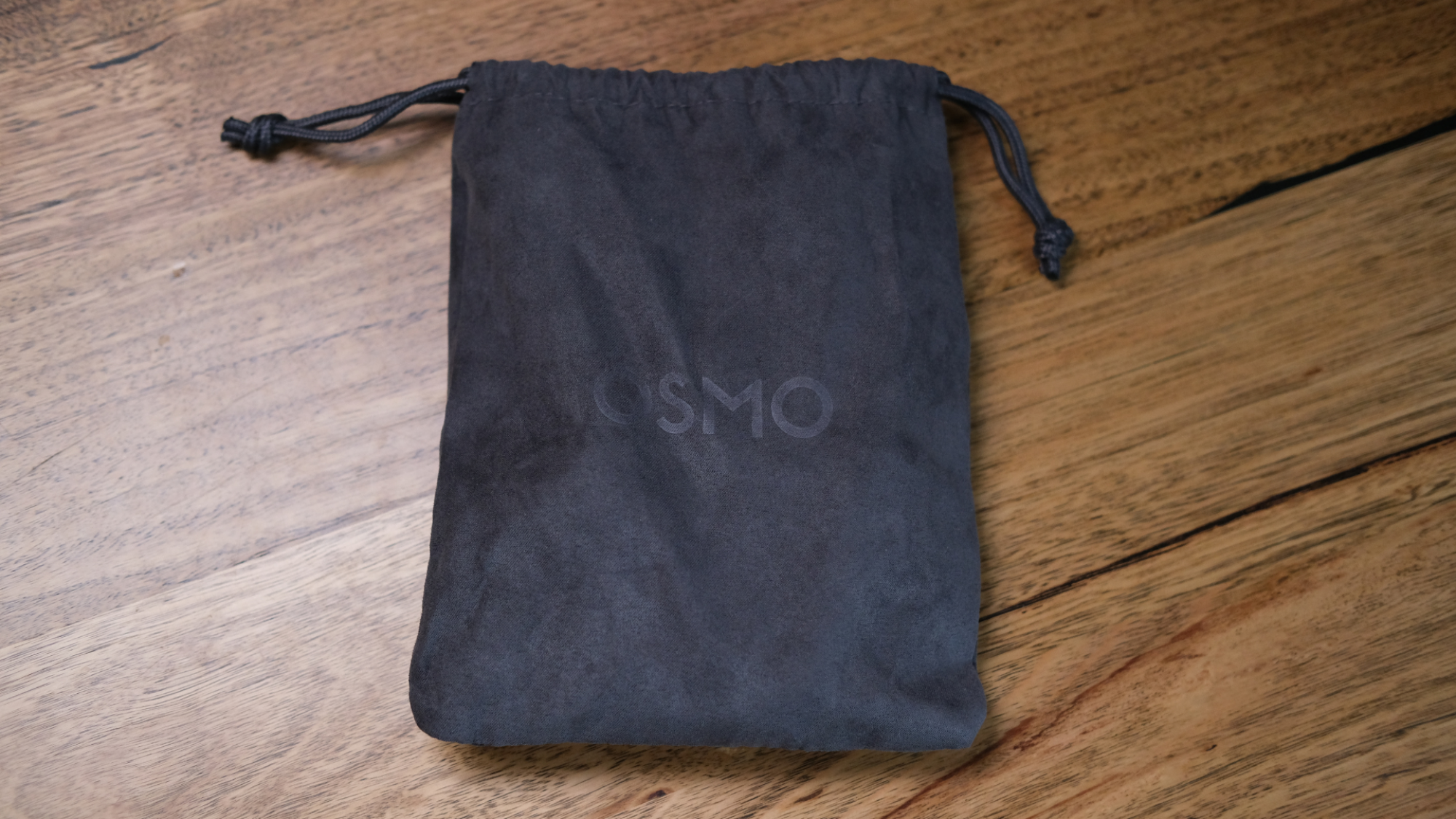
The Osmo Mobile 8’s included fabric storage bag offers little protection, alas, and doesn’t feel sufficient for carrying it around. Realistically, many users are likely to leave the Osmo Mobile 8’s magnetic phone clamp attached to the gimbal when not in use. (While DJI does have a flat quick-release mount accessory for MagSafe compatible iPhones, it’s sold separately and isn’t compatible with the multifunction module.)
The clamp can still be rotated even while the Osmo Mobile 8 is powered off, which can cause it to get caught in the storage bag’s opening when being taken out or stowed. This part doesn’t spin freely either, as the gimbal’s mechanical range doesn’t have a 360-degree roll. You wouldn’t want to force it too far, which doesn’t feel like an impossible mishap that might occur in the bottom of your bag.
The DJI Osmo Mobile 8 is best when used hands-free
Credit: A. Yeo
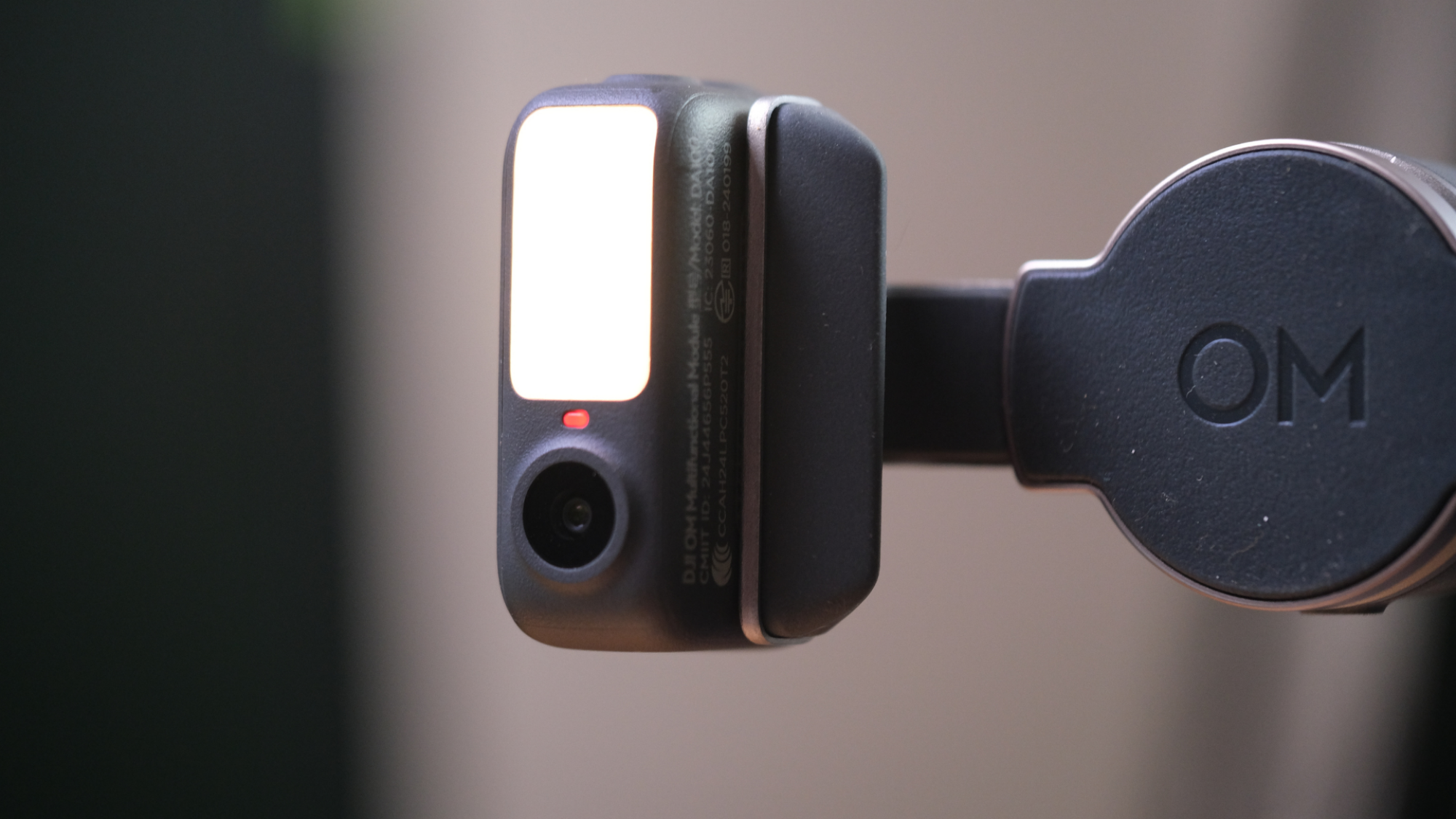
While the DJI Osmo Mobile 8’s build is a bit clunky, it makes up for it with impressive performance. In addition to offering a fill light with eight levels of brightness and color temperature settings, the Osmo Mobile 8’s incredibly handy multifunction module acts as a microphone receiver for compatible DJI transmitters as well as enables tracking of people or animals.
Subject tracking is smooth, easy to operate, and works well. When using the DJI Mimo app, users choose a subject to lock on to simply by tapping them while they’re in frame. (Subjects are automatically tracked instead when using AppleDockKit in the iPhone camera app — more on that later.)
The gimbal will then follow the selected subject as long as they move at a moderate, reasonable speed, making it suitable for vlogging. We did successfully dodge it when attempting to do so, meaning people can duck out of frame when needed.
The Osmo Mobile 8 is great if you want to set up your gimbal for hands-free filming. Aside from the built-in tripod and heavier weight helping to keep it sturdy, the large phone screen enables you to check your framing from a further distance (provided you’re using your phone’s front camera).
Unfortunately, its weight acts against it when used as a handheld device. DJI’s smaller and lighter Osmo Pocket 3 is a far superior handheld gimbal experience, though it’s also three times the price and has a comparatively tiny inbuilt screen which makes filming from a distance trickier.
Credit: A. Yeo
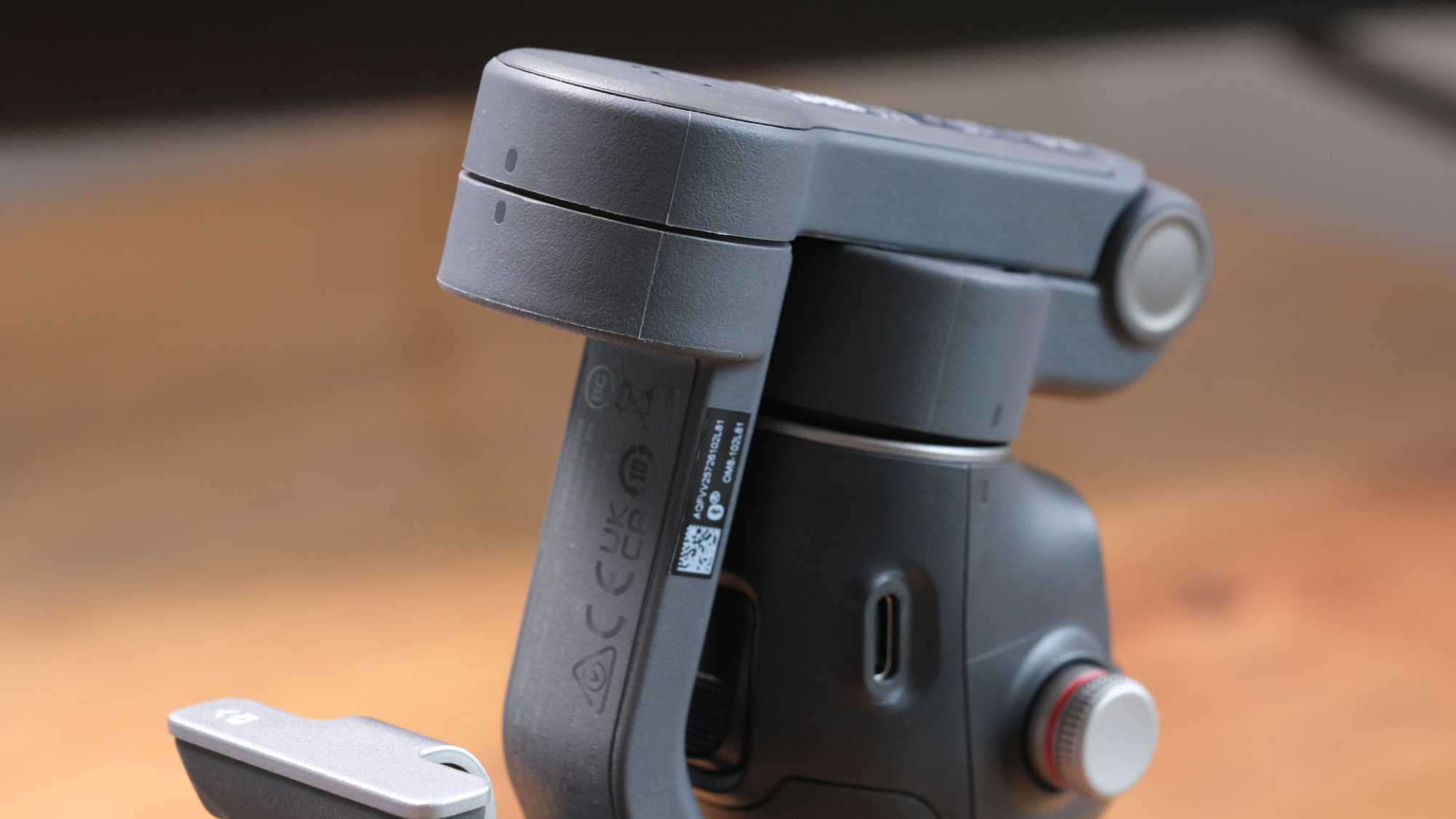
When you’ve finished filming, turning the Osmo Mobile 8 off feels a bit like putting it in a sleeper hold. Powering it off involves folding down the gimbal arm and rotating it so that it locks in place, aligning the small, subtle indicators to guide you. At first it feels as though you’re doing something you aren’t supposed to, as the unit will struggle against you, twitching and turning as you force it into position.
When using the Osmo Mobile 8, the camera quality depends on the phone you use. The DJI Mimo app supplements this by offering a few basic beauty filter options. All of these work quite well, and can be adjusted in strength if you prefer more subtle touchups.
However, the iOS app applies face slimming by default, even if you move its slider down to zero. You’ll have to completely turn off all beauty filters to disable it, meaning you can’t just smooth your skin or get rid of your dark circles. In contrast, Android offers more beauty filter options, and doesn’t apply face slimming automatically.
DJI Osmo Mobile 8 vs 7P: What are the differences?
Credit: A. Yeo
The Osmo Mobile 8 is the same size and roughly the same weight as its predecessor, the Osmo Mobile 7P. DJI also states that both models have 10-hour run times and charge in about 2.5 hours. The primary upgrades between the DJI Osmo Mobile 8 and Osmo Mobile 7P are the mechanical range of the gimbal and AppleDockKit support.
While the Osmo Mobile 7P’s mechanical range limited it to -109 to 222 degrees of panning, the Osmo Mobile 8 allows for full 360-degree pan rotation. This means that you can set it to track you via DJI’s Mimo app, then walk in circles around the gimbal and have the camera follow you. Such a wide range of motion makes the Osmo Mobile 8 much easier to set and forget, for when you want to catch moments like running around with the kids at a family picnic.
The Osmo Mobile 8 also introduces AppleDockKit support, enabling iPhone users to track subjects in the native iPhone camera app. Pairing is easy, simply requiring you to tap your phone to the NFC tag on the side of the gimbal’s handle. Even so, you can’t directly choose what AppleDockKit tracks, making it most suitable for less busy shots where there’s a higher chance it will lock on to your desired subject.
AppleDockKit tracking works with the Osmo Mobile 8’s phone clamp, but won’t activate if you have the multifunction module attached. It’s far more practical to use the gimbal’s quick-release mount instead if you have it, as its AppleDockKit tracking doesn’t use the multifunction module anyway.
Native iPhone camera tracking isn’t necessarily a groundbreaking new addition to the Osmo Mobile 8, as tracking in the DJI Mimo app works well. However, it may improve workflow for people who prefer to film footage directly to their camera roll instead of via the app.
Should you buy the DJI Osmo Mobile 8?
Credit: A. Yeo
With compact gimbal cameras such as DJI’s Osmo Pocket 3 available, comparatively bulky gadgets like the Osmo Mobile 8 can be a harder sell even for those willing to pay a premium. The Osmo Pocket 3 is notably more compact and lightweight, and doesn’t require you to relinquish your phone to use it.
Even so, the Osmo Mobile 8’s significantly lower price makes it a much more attractive option for those who dabble in content creation, primarily film at home, and are curious to find out how a gimbal might upgrade their setup.
If you’re after smooth subject tracking on a budget, the DJI Osmo Mobile 8 is a versatile, well-built gimbal that will likely suit your needs.
Unfortunately, while the Osmo Mobile 8 is currently available in many markets, the U.S. remains a notable exception. DJI continues to deal with notable obstacles from the U.S. federal government, which have hindered its business stateside. For now, getting your hands on DJI’s Osmo Mobile 8 in the U.S. may require going through third parties.