Google announced new features on Friday to increase users’ productivity in its Google Chrome web browser.
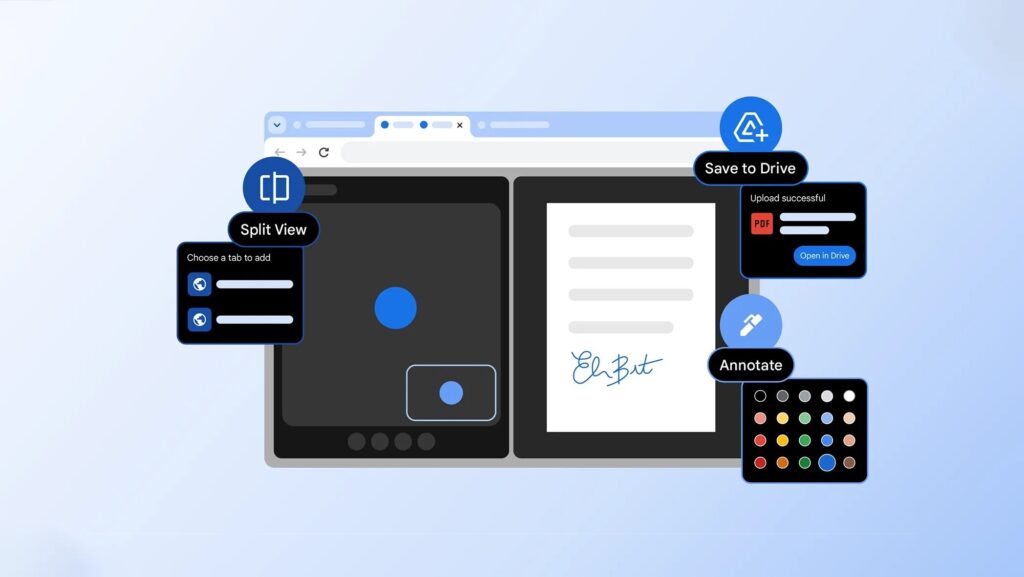
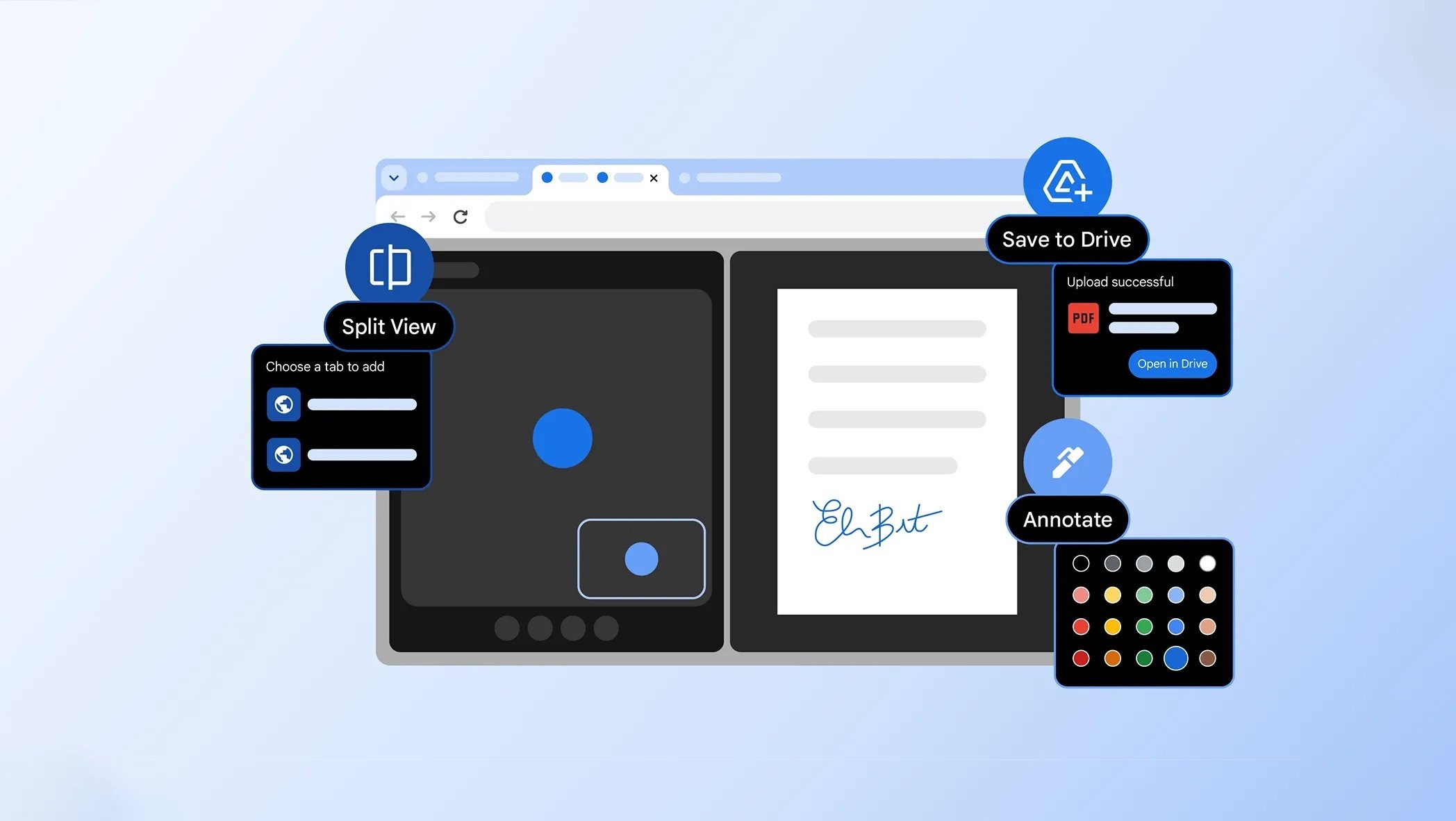
Split view, PDF annotations, and Save to Google Drive are all new to Google Chrome; however, some users may have seen them previously during Google’s test run of the features.
Split view allows users to view two browser tabs side-by-side. Google provided some examples of how this feature can be used, with users being able to watch a YouTube video in one split-view tab and take notes in the second split-view tab. Unlike an operating system-level split view function, the split view feature in Chrome occurs within a single window in the web browser, with the two sites displayed next to each other simultaneously.
Google’s PDF viewer within Chrome now has annotations. Users can markup any PDF within Chrome with notes, highlights, and more. Users can write freehand, use shapes, utilize different colors for their highlights, provide digital signatures, and more. Google shared that this was the most-requested feature from users, and now it’s here.
Finally, Google has rolled out a new Save to Google Drive feature. Users no longer have to save documents and other downloadable files from the internet directly to their hard drive. Instead, Chrome users can choose to save downloads directly to Google Drive. Within Google Drive, every internet download can be found within the Saved from Chrome folder, so that nothing gets lost among all your other Google Drive files.